November 1, 2026 · By MooveTrax
Geofence Automations for Rental Fleets: What to Actually Set Up (and What to Watch For)
A geofence is just a boundary on a map. What makes it useful for a rental operator is the rule attached to it: when this vehicle crosses this line, do this. Done well, that replaces hours of watching dots on a map. Done carelessly, it floods your phone with false alarms -- or, in the worst case, disables a car that's moving. This guide covers the automations worth configuring, the physics that limit how fast they fire, and the one automation you should think hard about before enabling.
The three automations most operators actually use
1. Boundary alerts on the operating area
Draw a fence around your approved operating region -- the metro area, the state, or a radius around your lot -- and get notified the moment a vehicle leaves it. This is the lowest-risk, highest-value automation: it catches the trip that's quietly headed toward a border or a shipping port hours before the return date would have tipped you off. If you rent direct and enforce mileage or territory limits in your contract, pair the alert with geofence-backed mileage enforcement so you have a timestamped record, not just a hunch.
2. Auto-lock (and auto-honk) on the return lot
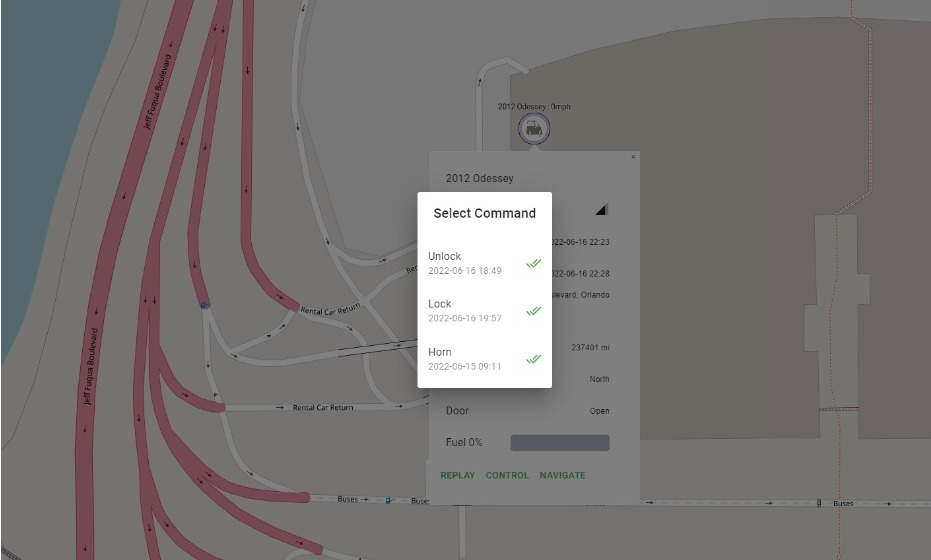
Fence the lot itself and set a return rule: when a vehicle re-enters after a trip, wait a configured period, then lock and arm it. Nobody has to walk the lot securing cars at midnight. The inverse rule -- honk or flash when a vehicle exits the lot outside an active booking -- is a cheap theft deterrent and an immediate heads-up that something left when nothing should have.
3. Zone-based speed alerts
A single fleet-wide speed threshold is blunt: 80 mph is normal on the interstate and alarming in a neighborhood. Tying speed alerts to zones -- stricter limits inside a city fence, looser on highway corridors -- cuts noise and makes the alerts you do get worth reading. The same logic applies to high-risk zones: an entry alert on a fence around a border region or a known export staging area is worth far more than another routine ping.
Reporting interval decides how fast anything fires
A geofence trigger can't be faster than the GPS report that reveals the crossing. If a tracker reports every 30 seconds, a vehicle that crosses the boundary just after a report won't be seen outside the fence for up to 30 more seconds -- about 15 seconds on average -- plus a few seconds for the platform to evaluate the rule and push a command or notification over cellular.
Run the numbers at 45 mph (66 feet per second):
- 30-second interval: worst case, the car is roughly 2,000 feet -- a third of a mile -- past the line before the action fires.
- 1-minute interval: worst case stretches to about three-quarters of a mile; a full mile at highway speed.
- 30-minute interval (typical of some OEM API connections): the car can be 20-30 miles gone before the system even notices.
None of this matters much for an auto-lock rule on a parked car. It matters a great deal for theft response, where the first hour decides outcomes.
False triggers: the parked car that keeps "leaving"
GPS positions wander. Under open sky, civilian GPS is typically accurate to within about 16 feet, but near buildings, tree cover, or parking structures, multipath reflection can push errors to tens of meters. A car parked near the edge of a tightly drawn lot fence will drift across the line on paper, repeatedly, all night -- and every drift fires your exit rule.
Two fixes, used together, eliminate most of it:
- Buffer zones. Draw the fence 150-300 feet beyond the actual property line -- larger in dense urban areas. The fence is a tripwire, not a survey marker.
- Confirmation delays. Require two consecutive out-of-bounds reports before an action fires. At a 30-second interval that adds 30-60 seconds of latency -- a fair trade for not honking at 3 a.m. because of a reflected satellite signal.
Auto-engaging a kill switch: be honest about the risk
Most platforms, MooveTrax included, let a geofence trigger a kill switch. Configure this carefully, because the stakes are different from a notification.
Cutting power to a moving vehicle is dangerous -- full stop. It can strand a driver in a live traffic lane or mid-intersection, and the person behind the wheel is usually your paying renter, not a thief. GPS drift and stale position data make it worse: an automation can fire on a car that never really crossed the line. If a crash follows an automatic shutdown you configured, that liability points at you, and several states regulate remote disabling devices outright -- see our breakdown of remote kill switch laws by state, and disclose the device in your rental agreement either way.
The defensible pattern: on a boundary exit, automate the reversible actions -- notification, honk, flash. Reserve the kill switch for when telemetry shows the vehicle parked and stationary (ignition off, speed zero), or require a human tap to confirm.
How this maps to MooveTrax hardware
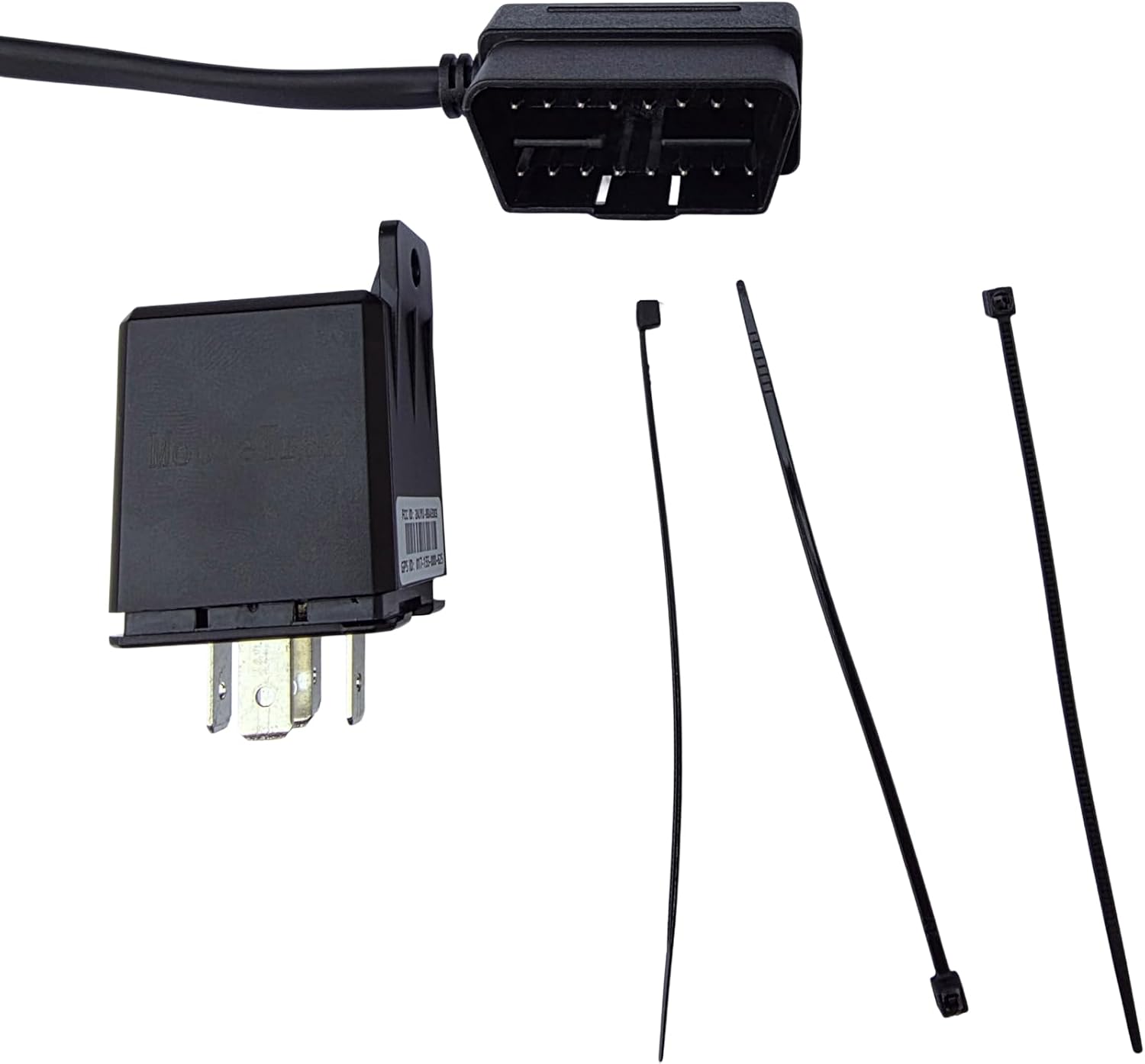
Geofencing is included on every MooveTrax plan, with unlimited fences on the MT3V, KS, and WATER devices. The hardwired MT3V reports every 30 seconds and supports lock/unlock, honk, flash, and kill switch; the KS reports every 1 minute with the same core actions; Tesla and OEM API connections cost nothing in hardware but come with limited geofencing, no honk/flash, and reporting intervals of 1 and 30 minutes respectively -- fine for auto-lock rules, too slow to be your theft tripwire.
Set up the operating-area alert first. Add the lot auto-lock once the alert has run clean for a week. Treat the kill switch as a recovery tool for stationary cars, not a tripwire -- and give every fence a buffer.