November 5, 2026 · By MooveTrax
How to Report a Turo No-Show or Late Return (and Actually Get Paid)

When a Turo guest never shows up, or rolls your car back hours after the scheduled end, Turo's policies entitle you to real money -- partial trip earnings for a no-show, and late-return fees on top of the daily rate for overdue vehicles. But that money is not automatic. It depends on you messaging the guest the right way, filing through the right channel, and hitting two different deadlines: 72 hours for no-shows and 24 hours for late returns. Here is the full process, verified against Turo's current help center policies.
Step 1: Message the guest first -- it's required, not optional
For a no-show, Turo requires that you contact the guest immediately via Turo messaging (not text or phone -- Turo needs the record in-app) and tell them two things: that they are at risk of being reported as a no-show, and how much time they have left. In the US, Canada, and UK, a guest has 2 hours past the scheduled trip start to arrive (30 minutes in Australia and France; 12 hours for Turo Go trips). You must give the guest at least 15 minutes to respond to your initial message, and you must wait out the full arrival window before the guest officially counts as a no-show.
For a late return, the equivalent first move is asking the guest to extend their trip in the app. Guests can request an extension up to 24 hours after the scheduled end time, and an extension is usually better for you than a late-return fee: the trip stays covered, you get paid for the extra time, and there's no dispute to adjudicate.
How to report a guest no-show
- Message the guest through Turo messaging with the no-show warning, and wait the required window (see above).
- If the guest doesn't respond within 15 minutes, or responds with an arrival time beyond the permitted window you can't accommodate, report the no-show to Turo customer support (via the Contact Us flow in the Help Center or app).
- File within 72 hours of the scheduled trip start -- miss this and Turo pays nothing.
License failures count as no-shows too: a guest who never uploads a license for remote check-in, arrives with no valid license, or sends another driver to pick up the car can be reported the same way (don't hand over the vehicle).
What you're owed: for trips of 2 days or shorter, your host share of 75% of one day's average trip price; for longer trips, your host share of two days' average trip price; plus half of any delivery fee.
How to report a late return
Turo's grace period is 29 minutes -- so wait at least 30 minutes past the scheduled end time, then:
- Open the Trips tab and select the overdue trip.
- On the trip Details page, tap Report Issue.
- Choose “Late return: Vehicle not returned” or “Late return: Vehicle returned”.
- Answer the questions, then tap Report issue and Confirm.
- Allow customer support 48 hours to review; track progress under My Tickets in the Help Center.
You must report within 24 hours of the scheduled trip end to stay eligible for additional-usage fees. The fee tiers: 0-29 minutes late, no charge; 30 minutes to 1 hour 59 minutes, half the average daily trip price; 2 hours or more, a full day's average trip price plus a $20 late-return fee. Unresponsive guests or abandoned vehicles can also trigger a $50 improper-return fee at Turo's discretion.
What evidence Turo accepts
Two things carry nearly all the weight. First, the Turo messaging thread -- it's timestamped and visible to support, which is why off-platform texts don't protect you. Second, trip photos with intact metadata (date, time, geolocation): pre-trip photos taken within 24 hours before the trip start, and post-trip photos taken and uploaded within 24 hours after the trip ends. Turo won't process reports with missing photos or photos taken outside those windows, so photograph the empty parking spot and odometer on schedule even when a trip goes sideways.
Why these claims get denied
- No in-app message trail. You called or texted instead of using Turo messaging, so there's no record you warned the guest.
- Missed deadlines. No-shows reported after 72 hours and late returns reported after 24 hours are ineligible for earnings.
- Reporting too early. Filing a late return inside the 29-minute grace period, or a no-show before the arrival window closes.
- The guest extended. If a guest successfully extends after you report, Turo disregards the report -- you're paid extension earnings instead, which is fine, just not a fee.
- Misreporting. Reports Turo deems illegitimate can cost you a $50 violation fee. Only file when the facts are solid.
Never miss the window: automatic alerts
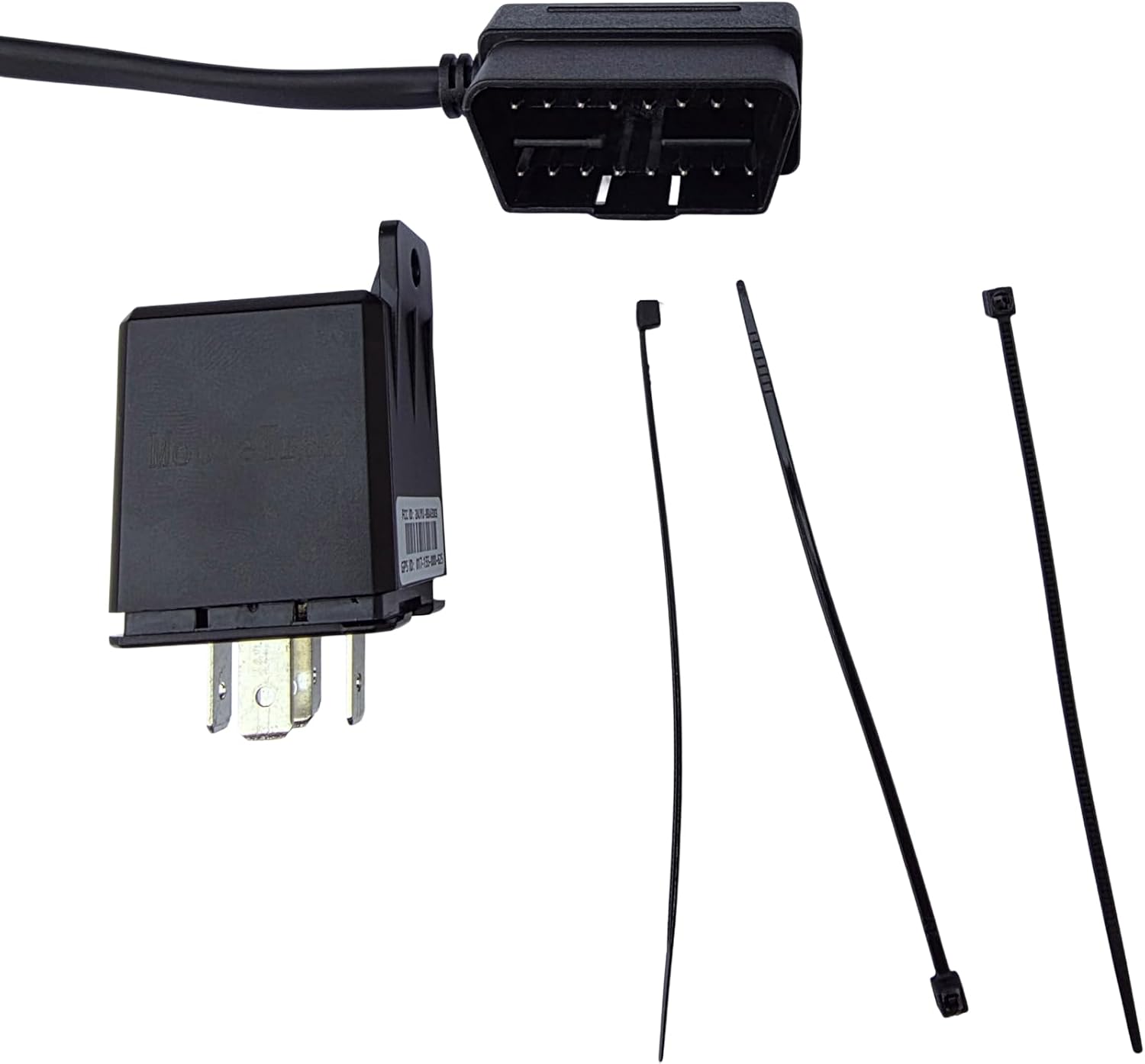
Every deadline above assumes you noticed the problem in time -- hard when you're managing multiple cars or asleep when a 6 a.m. trip starts. This is the one place a GPS tracker helps with the paperwork. MooveTrax devices send late-return notifications when a vehicle hasn't come back by the scheduled end, and its geofence and ignition-status alerts tell you whether a car ever left your lot at trip start -- a reliable signal that a no-show clock is running. That turns Turo's 72-hour and 24-hour windows from things you have to remember into notifications you simply act on, with the in-app steps above.