November 1, 2026 · By MooveTrax
TuroGo Is Gone: Every Contactless Access Option for Turo Hosts in 2026
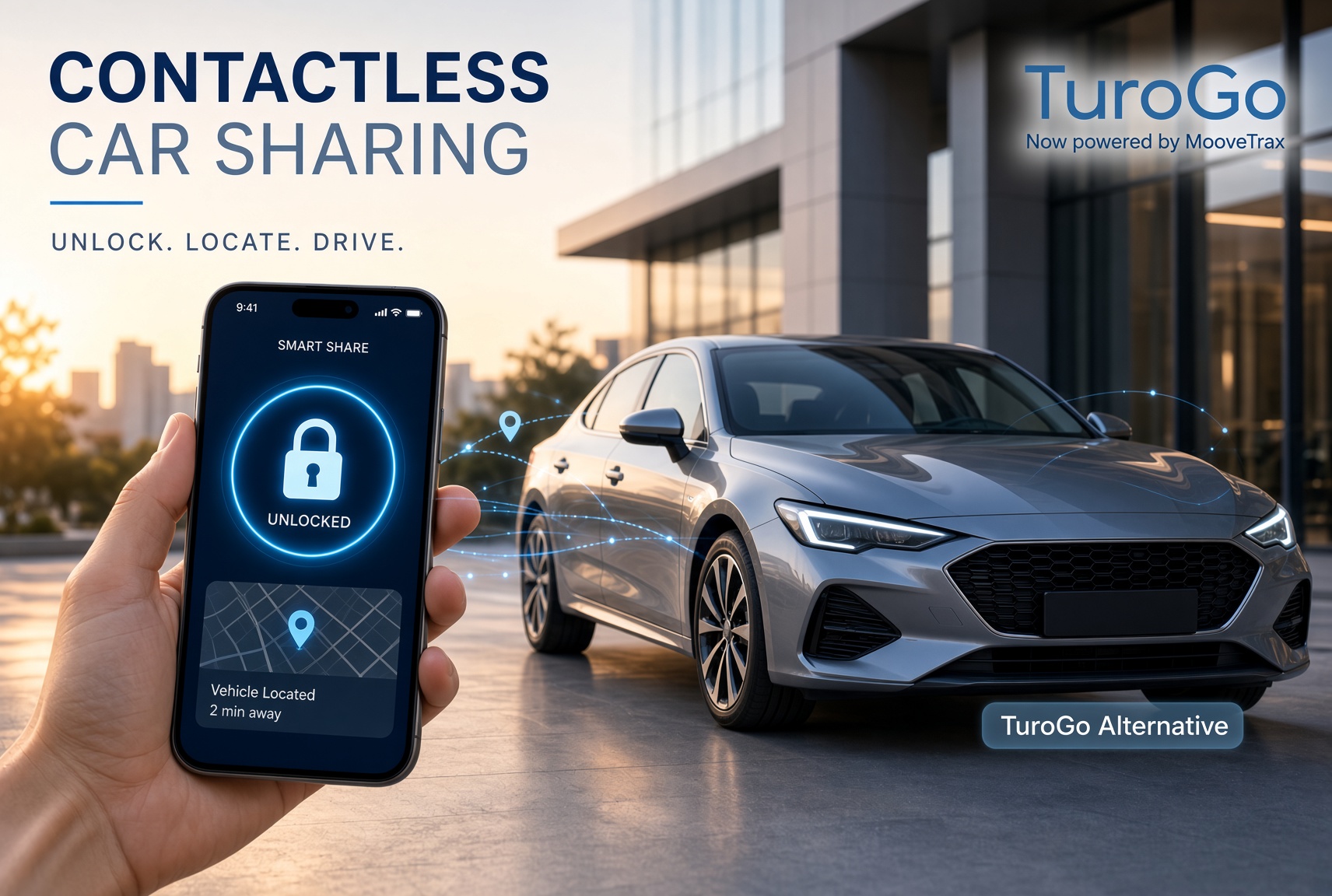
Between 2018 and the early 2020s, Turo had a first-party answer to the key handoff problem. It was called Turo Go, and if you hosted back then you probably remember the pitch: guests find, unlock, and drive your car straight from the Turo app, no meetup required. Turo Go is gone now, Turo never really explained why, and in 2026 hosts are left assembling their own contactless setup from a handful of imperfect options. This post covers what Turo Go actually was, and every realistic replacement -- with honest costs and failure modes for each.
What Turo Go was, and what happened to it
Turo announced Turo Go in November 2018, launching first in Los Angeles. The hardware was an aftermarket "key-as-a-service" device from Continental that plugged into the car's diagnostic port and cost hosts about $20 a month. Guests unlocked the car over Bluetooth through the Turo app -- it worked even without a cellular connection, which remains one of the smartest things about its design. In May 2019, Turo added Turo Go Digital, which delivered keyless entry on factory-connected cars without any installed hardware.
Then it faded. Turo never published a formal retirement announcement -- no blog post, no dated shutdown notice. The hardware program simply stopped expanding, and references to Turo Go gradually disappeared from Turo's help center. Today, Turo's official documentation on technology for remote vehicle access describes exactly two contactless methods -- remote-unlock technology (mostly manufacturer apps) or a lockbox -- with no mention of Turo Go at all. Whatever the internal reason, the practical result is the same: the handoff problem Turo Go solved is back on hosts to solve themselves.
Option 1: Lockboxes (roughly $20-$150, no monthly fee)
The default fallback. A combination box holds the key on a door handle, window, or wheel; you text the guest the code. Cheap and platform-independent, but the tradeoffs are real:
- The PIN problem. A static code means every past renter still effectively has access. Rotating the code every trip means manual resets and guests locked out at 1 a.m. Smart lockboxes with app-generated rotating codes exist (roughly $70-$150) but add batteries and Bluetooth pairing as new failure points.
- Signal leakage. A lockbox is a visible advertisement that a key is reachable on an unattended car. See our full breakdown of why there's no "best" lockbox for Turo.
- Airport bans. LAX now restricts visible lockboxes, and Phoenix Sky Harbor bans externally visible lockboxes as of November 15, 2026, with Turo aligning its own handoff rules to match. If you run airport pickups, this category is closing.
Option 2: OEM and manufacturer apps ($0-$40/month, newer cars only)
If your car shipped with factory telematics, the manufacturer's app -- Tesla, FordPass, Kia Connect, myHyundai, HondaLink, My BMW, myChevrolet, and similar -- can unlock it remotely, and these are the apps Turo's help center points hosts toward. Teslas are the best case: phone-as-key works smoothly and guests are used to it. The honest downsides: it only covers newer connected vehicles, some brands charge a connected-services subscription after a trial, remote commands can lag by 30+ seconds over the cellular link, and most OEM apps were never designed for strangers -- there's no per-trip time window, so "access" often means sharing your own account or manually unlocking from your phone at pickup time.
Option 3: Bluetooth phone-as-key devices like MoboKey (~$110-$180 one-time)
MoboKey is the closest spiritual successor to the original Turo Go dongle: installed hardware that turns a guest's phone into the key over Bluetooth, with a one-time device cost (roughly $110-$180) and no subscription. Because it's Bluetooth-based, it works in underground garages with no cell signal -- but that cuts both ways: range is limited to tens of feet, the guest must install an app and have a charged phone, and you can't check on or control the car remotely when you're not standing next to it. Installation typically takes one to two hours.
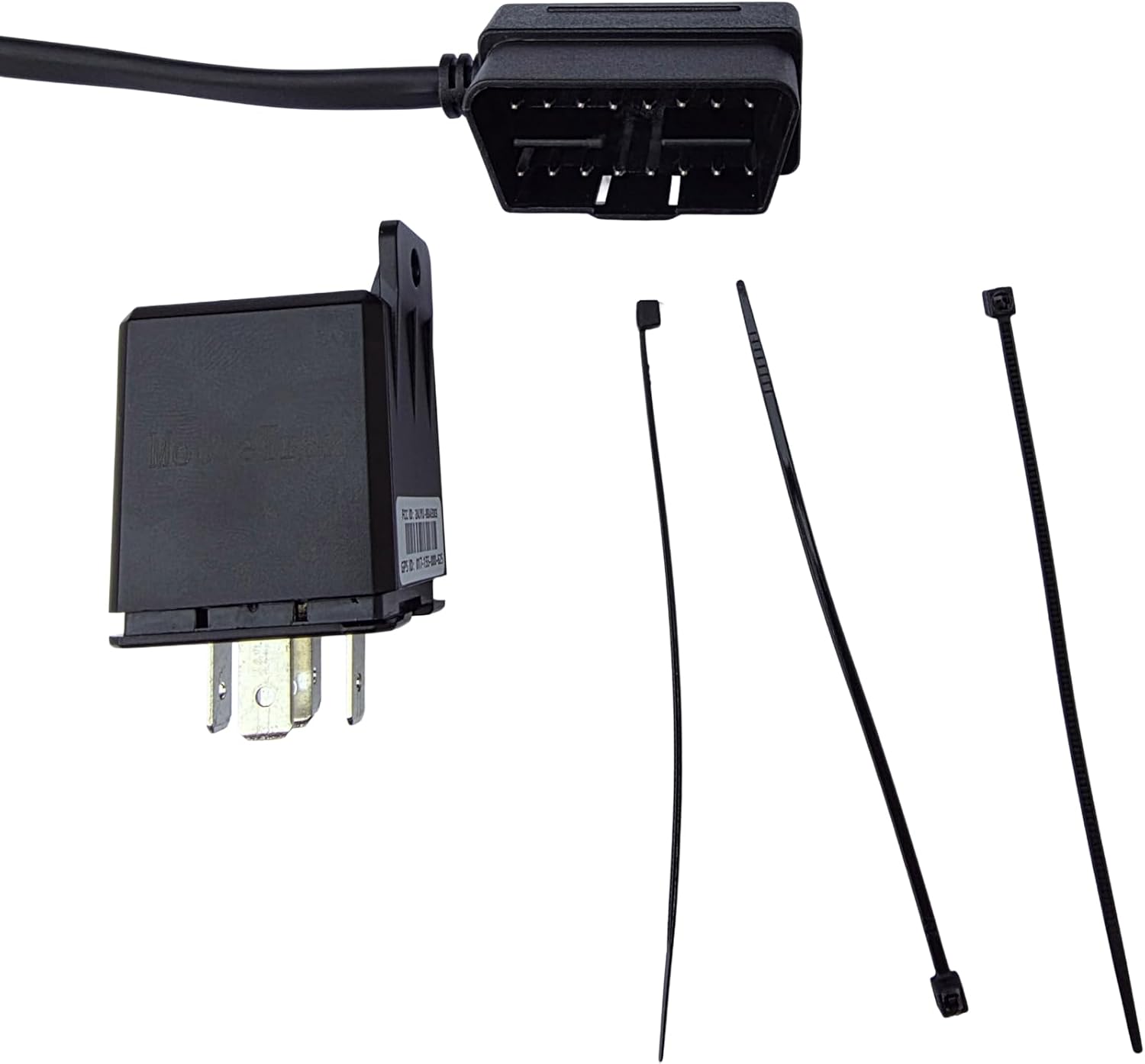
Option 4: Hardwired GPS + remote unlock platforms ($40-$250 hardware, $10-$25/month)
This is the category built specifically for rental fleets: a hardwired device (see our hardwired vs. OBD comparison) that combines GPS tracking, remote lock/unlock over cellular, and usually a kill switch, managed from a host dashboard. MooveTrax is our product in this category, so judge accordingly -- its KS unit runs $40 plus $12.50/month, and the MT3V ($165, $15/month) adds Bluetooth unlock as a backup for dead zones; OEM-connected cars can skip hardware entirely at $10/month. Guests get time-limited access through a link for their trip window, which is the piece lockboxes and OEM apps don't do. The honest failure modes for the whole category, ours included: cellular dead zones can delay commands (Bluetooth backup mitigates but doesn't eliminate this), installation takes real effort or an installer, and the monthly fee never ends. One underrated benefit worth calling out: since the renter unlocks the car themselves, hosts aren't limited to meeting guests during hours they're personally available -- a car can be booked for a 2 a.m. pickup as easily as a 2 p.m. one, since there's no in-person handoff to schedule around.
Option 5: In-person handoff ($0)
Still legitimate. Meeting the guest costs nothing, lets you verify the license and walk the car, and has zero technical failure modes. It just doesn't scale past a couple of cars, and delayed flights turn your evening into a waiting room.
One thing every option shares
Whatever you pick, Turo still requires a physical key available to the guest -- remote unlock changes where the key lives (sealed inside the car, ideally in an RF-blocking pouch), not whether it exists. Turo Go's real lesson is about dependence: hosts who built their operation on it lost it with no announcement. Whichever option you choose in 2026, prefer one that survives the next policy change.