November 5, 2026 · By MooveTrax
Rental Car Toll Tracking: How to Catch Tolls That Hit After the Trip Ends
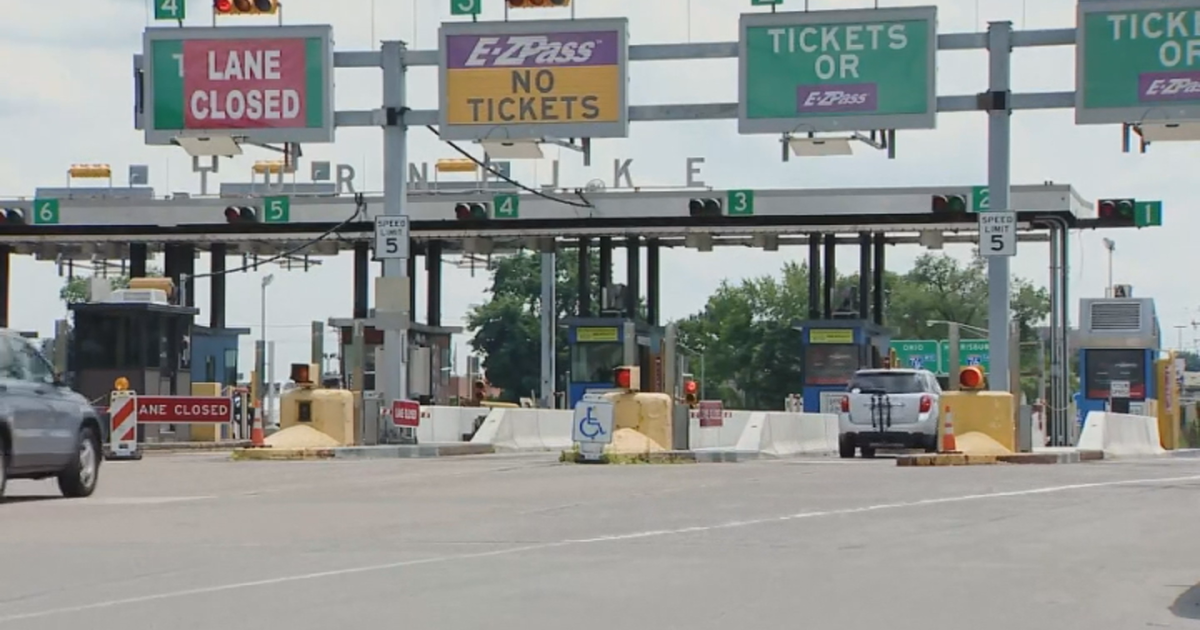
Here is a leak most hosts never notice until the transponder bill arrives. A trip officially ends at 6:00 PM. The guest actually returns the car at 9:30 PM and passes through three toll gantries on the way back. If you bill tolls by matching toll timestamps to booked trip windows, those three tolls fall outside the window -- so the guest never sees them, and you quietly pay them. One late return is pocket change. Across a fleet in a toll-heavy market, it compounds into real money every month.
The fix isn't one tool. It's understanding how toll billing actually works on each side of the rental -- and then closing the timestamp gap with process, hardware, or both.
How Turo's toll reimbursement actually works
Turo doesn't bill tolls automatically. The host pays the toll authority (through their own transponder or a pay-by-plate notice), then invoices the guest through Turo's reimbursement tool with documentation -- typically the toll statement showing the date, time, location, and amount, matched to the guest's trip dates.
The deadlines matter more than most hosts realize:
- Standard window: You have up to 90 days after the trip ends to invoice a guest for tolls.
- Late notifications: If a toll notice reaches you after the 90-day mark (video tolls and violation notices can lag badly), you must submit it to Turo support within 30 days of receiving the notification and no later than 180 days after the trip ended.
- Guest response: Once invoiced, the guest has 48 hours to pay or dispute. Paid funds land in your trip earnings.
Note the contrast with other incidentals: fuel, additional mileage, and EV charging invoices are due within 72 hours of trip end. Tolls get a long window precisely because toll authorities are slow -- which is also why a toll from a late return is recoverable if you can document when it happened.
How the big rental companies handle it: the PlatePass model
Traditional rental fleets outsource this problem. Programs like PlatePass (used by Hertz) pre-enroll every vehicle's plate: when a renter rolls through a cashless toll, the toll authority bills the program by plate, and the program bills the renter's card -- the toll itself plus a convenience fee, around $9.99 per usage day on the per-day model, or a flat all-inclusive daily rate. Charges post to the renter's card one to three weeks after the rental closes.
Two lessons for independent hosts and small fleets. First, plate-based billing means the big players never eat a toll just because the car came back late -- the plate got billed, not the booking window. Second, renters pay a steep premium for that convenience, which is exactly why guests on peer-to-peer platforms expect tolls at cost -- and why your documentation has to be clean.
Three ways any host can catch post-trip tolls -- no hardware required
1. Reconcile transponder statements weekly, not monthly. E-ZPass and similar transactions typically post within one to seven days depending on the agency (24 hours on the NJ Turnpike; up to a week on the NY Thruway). Set a recurring 15-minute weekly review: pull the statement, match every toll timestamp against your trip calendar, and flag anything that falls outside a booked window or inside a known late return. With Turo's 90-day window, a weekly cadence catches everything with months to spare.
2. Document actual return time, every time. When a guest returns late, photograph the car at handoff (Turo's app timestamps trip photos) and report the late return. That timestamped record is what turns a toll at 8:47 PM from "outside the booking" into "during the guest's actual possession" when you file the reimbursement.
3. Make tolls explicit in your listing and checkout message. State that all tolls incurred while the guest has the vehicle -- including after the scheduled end time on late returns -- will be invoiced at cost through Turo. Guests dispute far less when the policy was in writing before the trip started.
Where automated toll logging fits in
Everything above works. It just doesn't scale past a handful of cars, and it depends on you noticing the gap between booked time and actual possession. That gap is precisely what GPS-based toll tracking automates: MooveTrax logs toll events against actual vehicle movement, not the booking window, so a toll at 9:12 PM on a trip that "ended" at 6:00 PM is captured, timestamped, and attributed to the renter who was actually driving. Toll Tracking is included on the MT3V, KS, WATER, and Tesla plans, alongside late-return alerts and trip-level reporting -- which is the documentation Turo's reimbursement tool asks for, generated automatically.
Think of it as the PlatePass principle -- bill the vehicle's actual usage, not the paperwork -- without the $9.99-a-day middleman. Start with weekly statement reconciliation today; automate it when the fleet outgrows the spreadsheet. See what's included on each plan at moovetrax.com/pricing.