November 1, 2026 · By MooveTrax
How to Automate a Turo Rental's Full Lifecycle, From Booking to Return

Running one Turo car is a side hustle. Running five is an operations job -- and the difference between the two is how much of each trip's lifecycle you've automated. This guide breaks a rental into its five real stages and, for each one, compares three ways hosts actually handle it: manually, with Turo's own tools, and with aftermarket telematics hardware as a category. It also flags what no hardware can automate.
Stage 1: Pre-trip verification
Manual: You read the guest's reviews, message them about their plans, and decide whether the booking feels right. Turo built-in: Turo verifies the driver's license at signup and shows trip history and ratings, which covers identity but not intent. Telematics: Some platforms add a gate before the car will open -- requiring the guest to upload a selfie with the license plate or other documents before access is granted, creating a timestamped record tied to the trip.
Honest limit: deciding whether to accept or cancel a borderline booking is pure human judgment. Automation can collect evidence; it can't read character.
Stage 2: Check-in and access handoff
Manual: Meet in person or use a lockbox. Both break at scale -- in-person handoffs chain you to pickup times, and lockboxes are increasingly restricted (LAX and Phoenix Sky Harbor have both cracked down). Turo built-in: Turo Go once offered app-based unlocking on equipped cars, but Turo retired the program in 2024; today the app handles check-in photos and messaging, not vehicle access. Telematics: This is the category's strongest stage. Trackers with relay-controlled door locks let the guest locate, unlock, and lock the car from their phone, with access restricted to the booked trip window. Better systems ingest the Turo calendar so the window updates itself when a trip is modified; cheaper trackers require you to create and revoke access links by hand, which is just manual work relocated.
Stage 3: Mid-trip monitoring -- mileage, geofence, tolls
Manual: Odometer photos at pickup and return, and a toll statement that arrives weeks later. Turo built-in: Turo enforces distance limits financially -- if you record odometer readings, excess miles are billed after the trip -- but it has no live view of the car, no geofence, and no toll capture during the trip. Telematics: Live GPS (typically 30-second to 1-minute reporting intervals), odometer-overage alerts while the trip is still running, speed alerts, and geofences that notify you -- or act -- when the car crosses a boundary you set, such as a state line or border. GPS breadcrumb data also lets a platform reconstruct toll road usage instead of waiting on the toll authority.
Honest limit: an alert is not an intervention. Whether to call the guest, invoke the contract, or involve Turo support when a car leaves its geofence is your call.
Stage 4: Trip-end lockdown and damage documentation
Manual: Drive out, walk around the car, hope the guest actually left. Turo built-in: The app's check-out photo flow is genuinely important -- damage claims must be filed within 24 hours of trip end, with photos, so disciplined photo documentation is your real protection. Telematics: Hardware can auto-lock the vehicle when the trip ends or when it re-enters your home geofence, engage a kill switch so the engine won't restart outside the authorized window, and fire late-return alerts the minute a trip runs over -- which matters, because late-return fees are only collectible if you can prove the return time.
Honest limit: damage disputes are the least automatable part of hosting. GPS timelines support a claim; they don't replace photos, estimates, or the adjudication itself.
Stage 5: Post-trip billing reconciliation
Manual: Match toll statements to trip dates weeks later, compute mileage overages, file reimbursement requests. Turo built-in: Excess-mileage charges run through Turo automatically if your odometer data is in; toll reimbursement requests must be submitted through the app within the post-trip window, with documentation. Telematics: Platforms that capture tolls from movement data can generate an itemized toll invoice within minutes of trip end, so you file while the trip is fresh instead of after the guest has forgotten it. Fleet-level reporting (per-car profit and loss, maintenance tracking) closes the loop.
Where MooveTrax fits
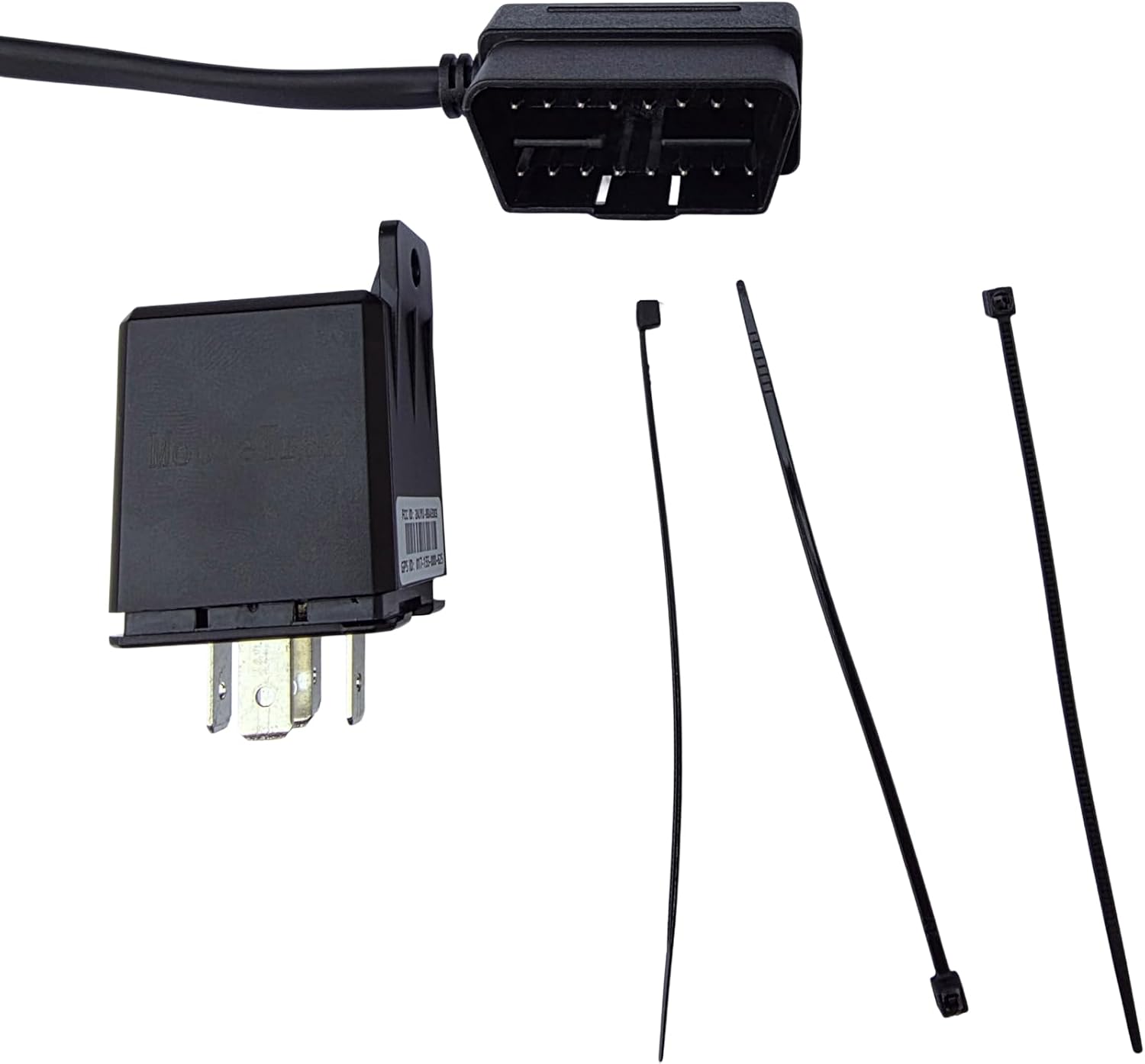
MooveTrax is one implementation of this stack, built around Turo specifically. Its documented lineup runs from a basic kill-switch tracker (KS, $40 hardware, $12.50/month) to the hardwired MT3V ($165 hardware, $15/month) with 30-second GPS, remote lock/unlock with Bluetooth backup, automated kill switch and locking at trip end or geofence boundary, odometer-overage and late-return alerts, toll reporting, Turo calendar integration, and a free API -- plus $10/month hardware-free options for Teslas and OEM-connected cars. Map those against the five stages above and the only steps left are the ones that genuinely need you: screening guests, handling disputes, and keeping the cars clean.
The bottom line
Automate stages 2, 3, and 5 -- access, monitoring, and billing -- and you remove most of the recurring labor per trip. Stages 1 and 4 stay partly human no matter what you buy. Any vendor who tells you otherwise is selling a brochure, not a workflow.